Contact@isotto.com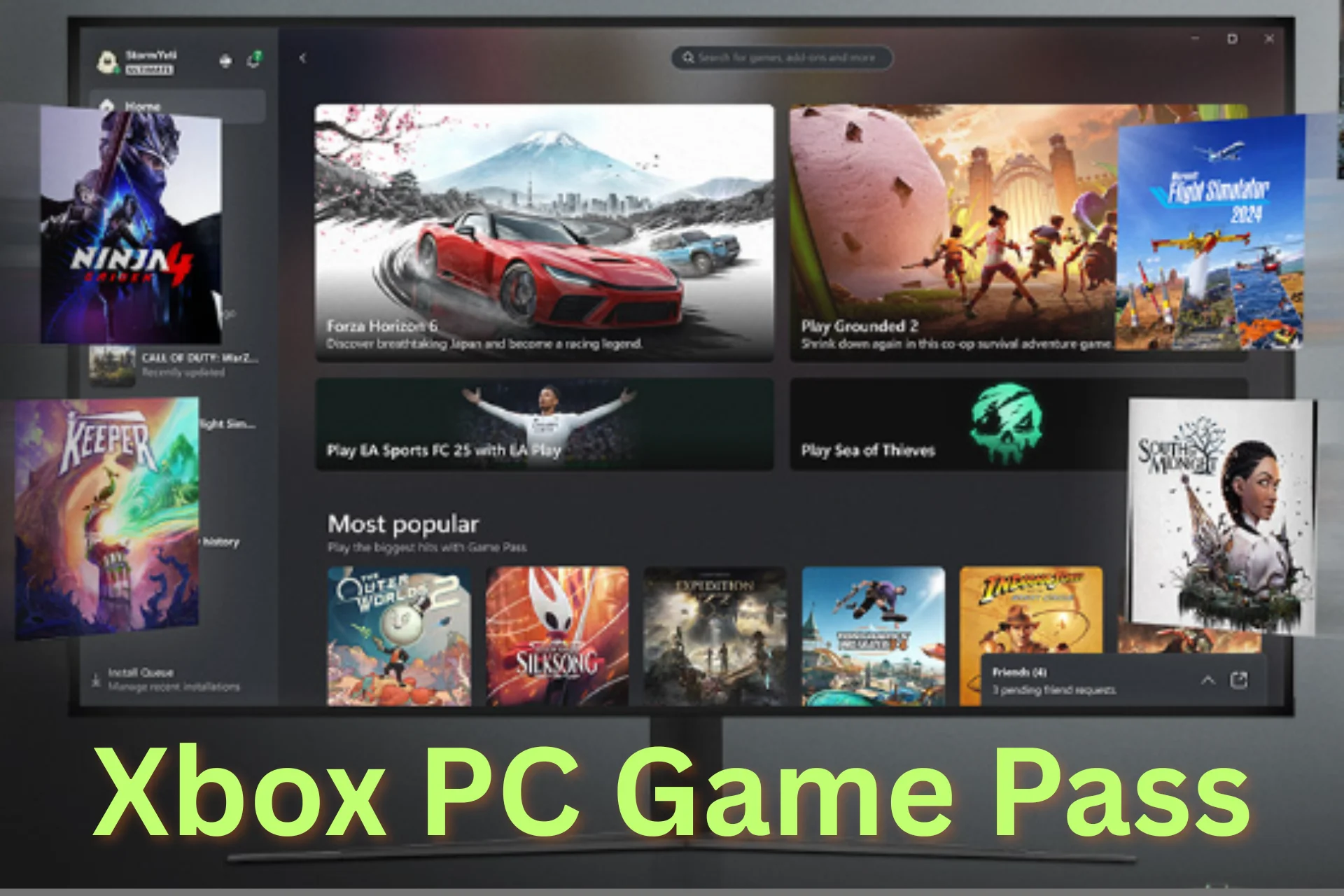
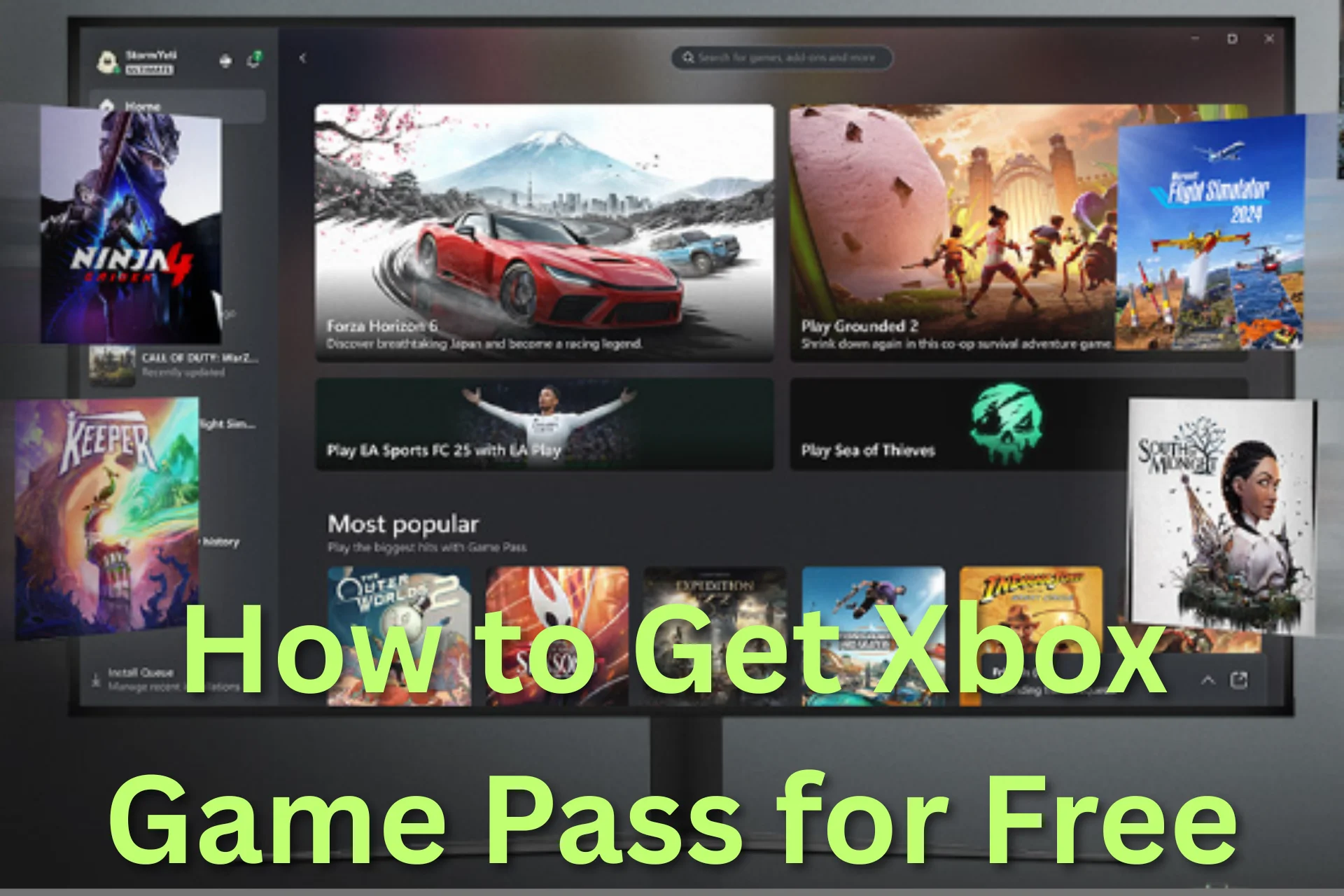
If you’re a PC gamer asking “is Xbox Game Pass for PC worth it?” or “what does Xbox Game Pass include on Windows?” — you’re in the right place. In 2026, Xbox Game Pass for PC remains one of the most compelling subscription services for gamers of all types. It offers a vast library of titles, day-one access to many new releases, EA Play integration, and other benefits that make it feel more like a digital gaming ecosystem than a traditional game store.
But with multiple tiers, evolving content, and hardware requirements to consider, navigating the full value of xbox pc game pass can be confusing. This guide breaks down everything you need to know — from the games available to PC system requirements, pricing, EA Play integration, and value analysis.
What Is Xbox Game Pass for PC?
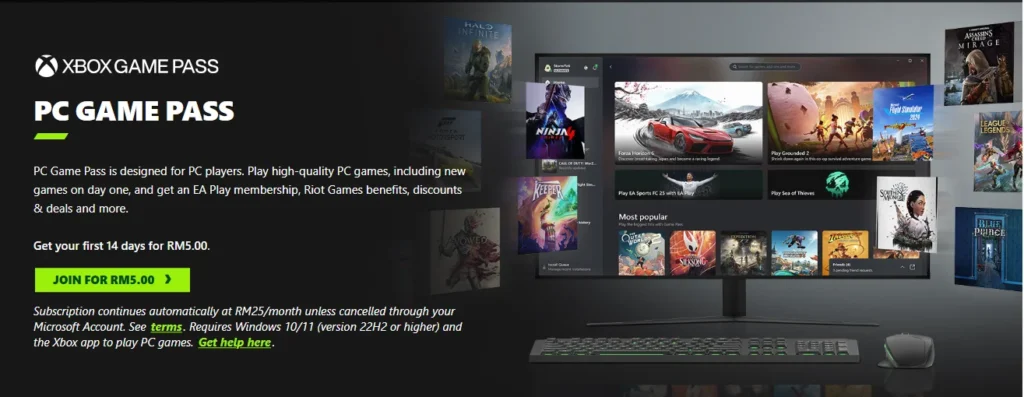
Xbox Game Pass for PC (often called PC Game Pass) is Microsoft’s subscription service specifically built for Windows gamers. Think of it as a Netflix-style gateway to hundreds of games — with one monthly subscription giving you access to:
- A massive and rotating library of PC games
- EA Play content included at no additional cost
- Cloud streaming (in supported regions)
- Discounts on game purchases and DLC
- Day-one releases for select titles
Unlike the Xbox console version, PC Game Pass is designed to leverage the strengths of the Windows gaming ecosystem, including higher resolutions, peripheral support, and frequent PC-exclusive additions.
Why PC Gamers Should Care
PC gamers have historically relied on multiple storefronts (Steam, Epic, GOG, etc.) to build their libraries. Xbox Game Pass for PC offers a compelling alternative by:
- Reducing upfront costs for trying many games
- Providing day-one access to big titles
- Including EA Play without extra fees
- Supporting cross-platform play with console friends
Whether you’re a casual explorer or a dedicated PC gamer, Game Pass for PC changes how you can access and play content — often making it cheaper and more flexible than buying games individually.
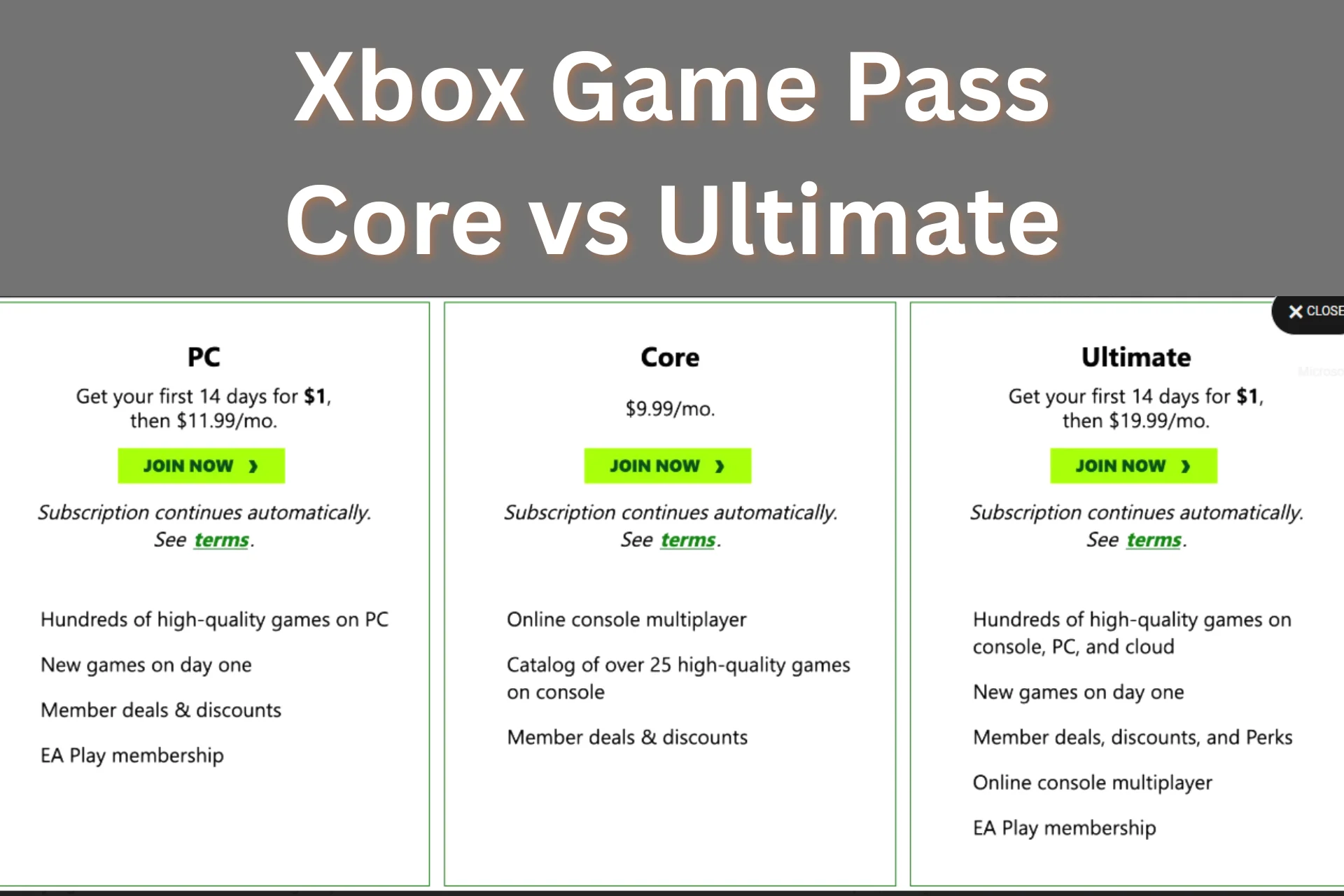
Xbox Game Pass for PC vs Other Versions
It’s important to distinguish Xbox Game Pass for PC from other tiers:
| Subscription | PC Library | Xbox Console | Cloud Gaming | EA Play |
|---|---|---|---|---|
| PC Game Pass | ✔️ | ❌ | ✔️ (selected regions) | ✔️ |
| Game Pass Ultimate | ✔️ | ✔️ | ✔️ | ✔️ |
| Game Pass Core | ❌ | ❌ | ❌ | ❌ |
As the table shows, PC Game Pass focuses on Windows access but does not include console game rights on its own. “Game Pass Ultimate,” however, covers both PC and console (and includes extra perks). For pure PC players, standalone PC Game Pass is usually the best value.
What Games Are on Xbox Game Pass for PC?
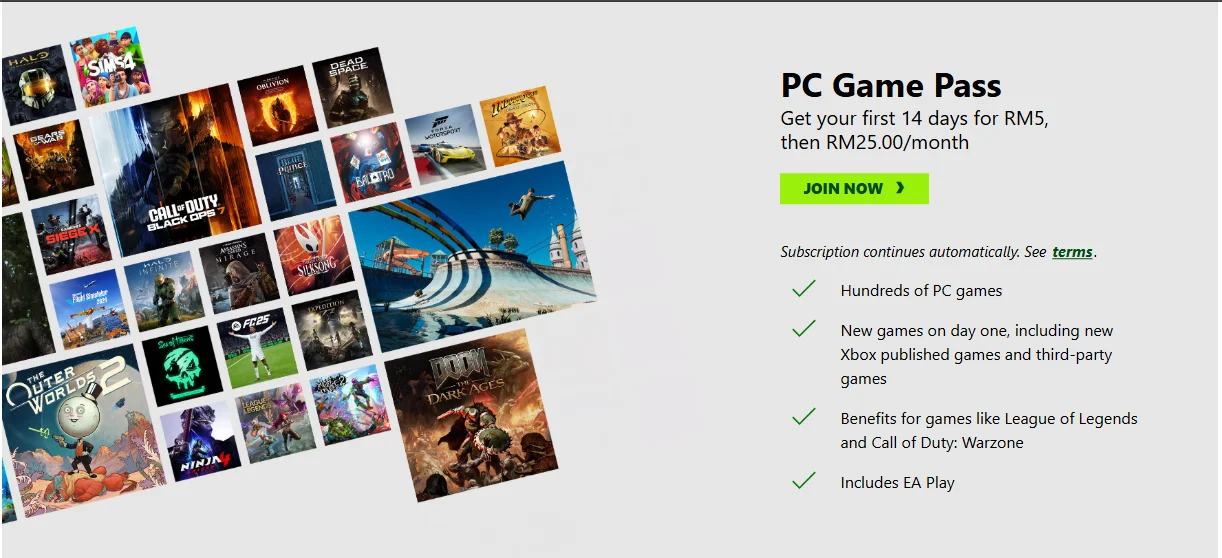
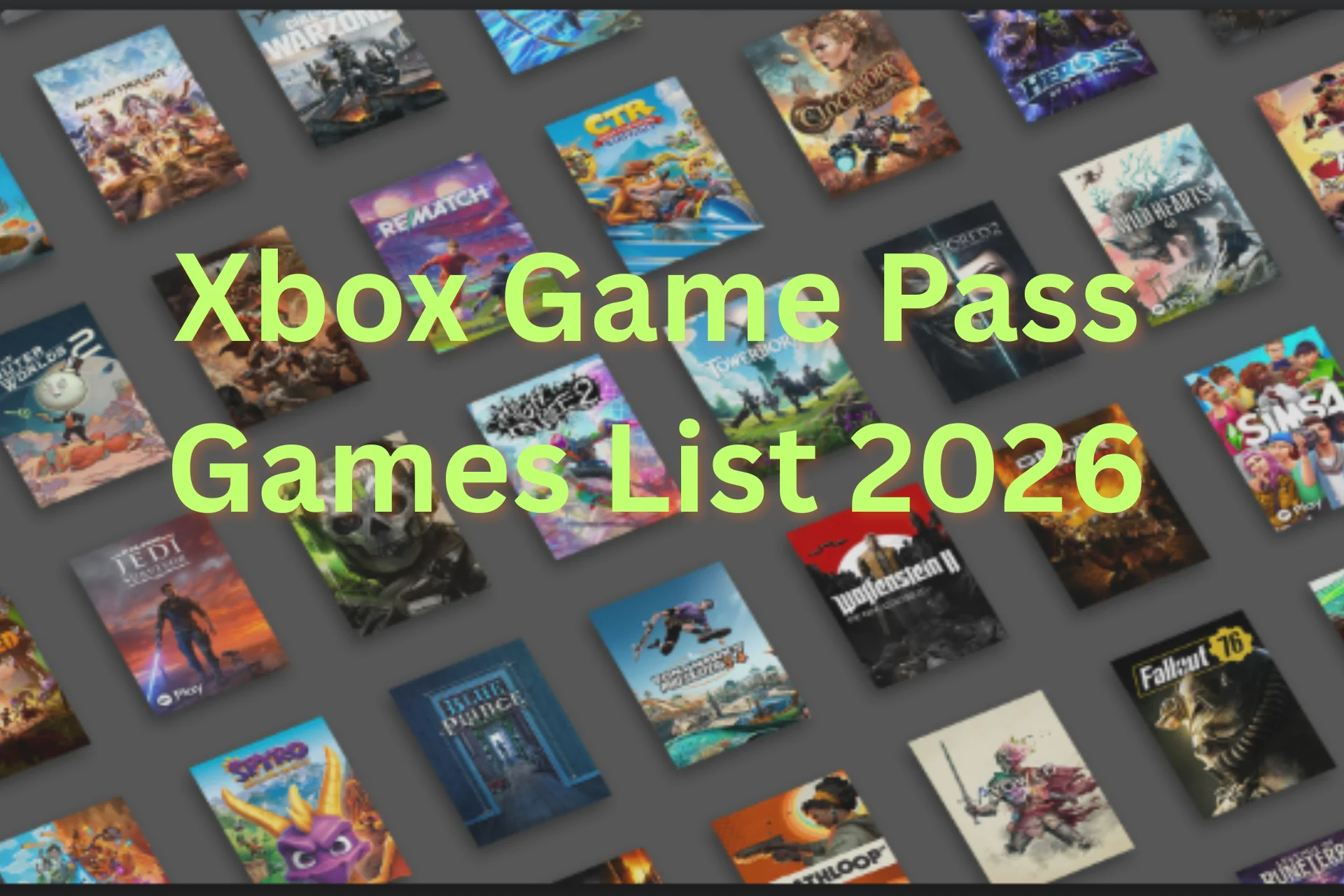
One of the biggest draws of PC Game Pass is the sheer number and variety of games available — often updating monthly.
The PC Game Pass games list typically includes:
- AAA blockbuster titles
- Indie and niche gems
- Strategy and simulation games
- RPGs and network multiplayer titles
- Creative and experimental projects
Some notable examples (as of the latest catalog):
- Starfield – Open-world space RPG
- Red Dead Redemption 2 – Story-driven adventure
- Forza Horizon 5 – Racing with stunning visuals
- Halo Infinite – Core Xbox franchise
- Age of Empires IV – Classic strategy series
- Microsoft Flight Simulator – Ultra-realistic simulation
- Baldur’s Gate 3 – Award-winning RPG
The list continues to grow, and you can check the Xbox app or official Microsoft Game Pass page for the most up-to-date catalog.
EA Play Integration: A Big Bonus

One of the most under-appreciated components of Xbox PC Game Pass is EA Play, which is now included at no extra cost.
What EA Play Adds
EA Play gives subscribers access to:
- A library of Electronic Arts titles
- Early trials of new EA games
- In-game rewards and special features
- Exclusive discounts
Notable EA Play titles include:
- Battlefield series
- FIFA series
- Mass Effect Legendary Edition
- The Sims 4
This means your PC Game Pass subscription doesn’t just give you Microsoft games — it broadens your catalog significantly with one of the world’s biggest publishers included.
PC Requirements for Xbox Game Pass
Before subscribing, it’s essential to make sure your PC can handle PC Game Pass titles.
Minimum Requirements (Typical Range)
| Requirement | Typical Minimum |
|---|---|
| OS | Windows 10/11 |
| CPU | Intel i5 / AMD Ryzen 5 equivalent |
| RAM | 8–16 GB |
| GPU | GTX 1050 / Radeon RX 560 or better |
| Storage | SSD recommended (HDD possible) |
| Internet | Broadband required for cloud gaming |
Not all games have the same requirements — high-end titles like Microsoft Flight Simulator demand significantly more powerful hardware. Always check the minimum and recommended specs for each game you plan to play.
If you rely on cloud gaming, lower-powered machines can still stream games with acceptable performance.
How Pricing Works for Xbox Game Pass for PC
Xbox Game Pass for PC is a subscription — pay monthly and you get access to the library.
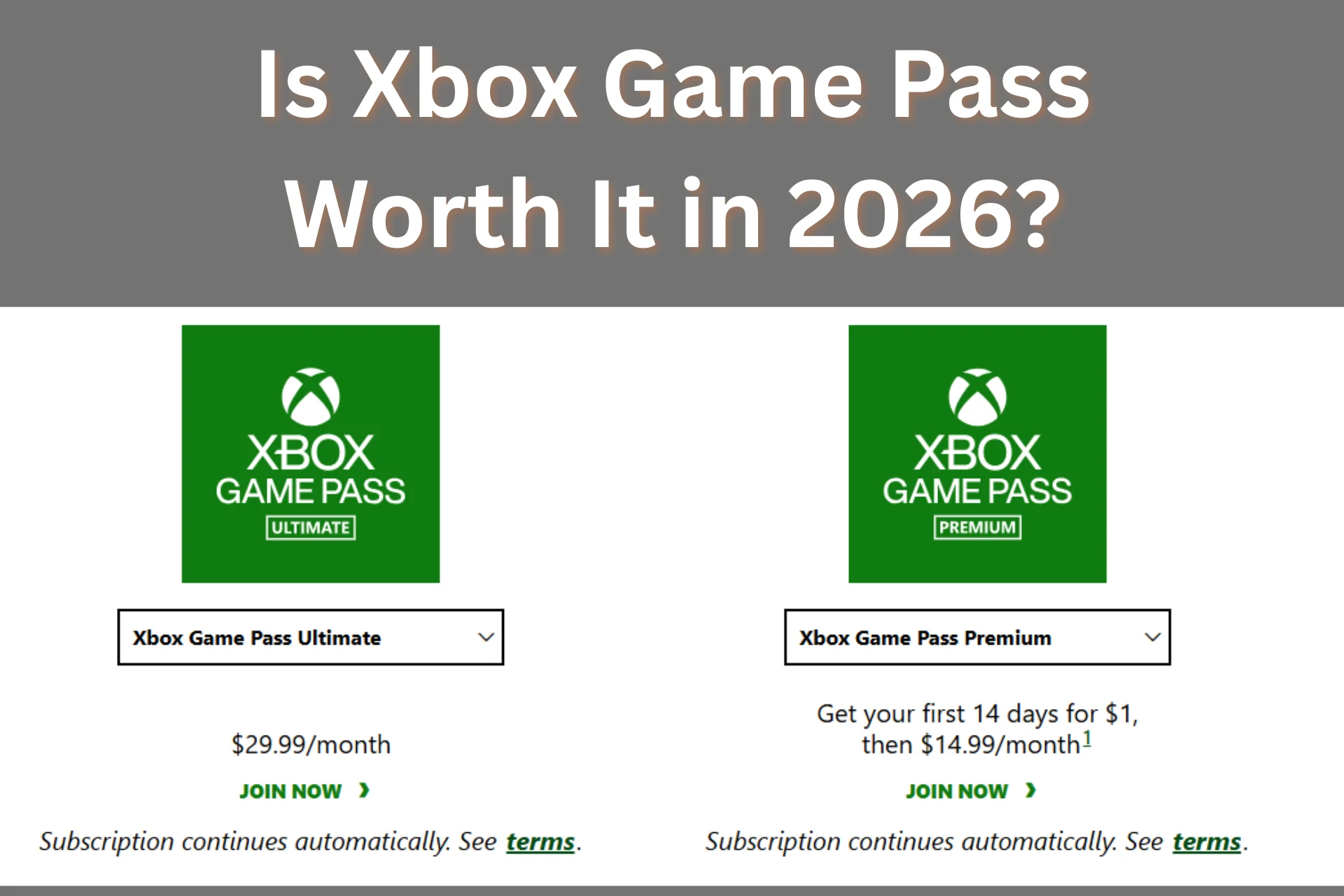
Typical Pricing
- PC Game Pass alone: ~$16.49 per month
- Upgrade to Ultimate for cross-platform access: ~$29.99 per month
Microsoft occasionally offers promotions, trial periods, or bundled deals (like 3-month cards or console bundles). Always compare cost to your gaming habits before subscribing.
Cloud Gaming Support
In selected regions, PC Game Pass also supports cloud gaming through the Xbox app or browser. This means you can stream PC Game Pass titles even if your hardware isn’t powerful enough to run them locally. Popular use cases include:
- Streaming to laptops/tablets
- Playing on a lower-spec rig
- Trying games before download
Cloud gaming broadens access and justifies value for players who want flexibility.
Benefits Beyond Just Games
Subscribing to Xbox Game Pass for PC also gives you:
1. Member Discounts
Exclusive pricing on games and DLC in the Microsoft Store.
2. Early Access and Trials
Occasionally, subscribers get trial opportunities for upcoming games.
3. Cross-Play Connectivity
Many PC titles support cross-play with console friends.
4. Seamless Progression
Games support cloud saves and synchronization across platforms.
All of this adds layers of value beyond simply playing games.
Is Xbox Game Pass for PC Worth It?
The answer depends on your gaming style, but for many PC gamers, the value is clear:
Best Fit
✔ Players who play multiple games per month
✔ People who like trying new titles without big upfront costs
✔ Those who enjoy EA titles via EA Play
✔ Gamers who use both local play and cloud gaming
✔ Players who value day-one access to many first-party games
Less Ideal For
✖ Gamers who purchase only 1–2 games per year
✖ Players who prefer owning games forever
✖ People with limited internet bandwidth (for cloud gaming)
For players who engage frequently with games throughout the year, the cost per game — when you divide subscription cost by estimated gameplay — often falls well below buying games individually.
How to Make the Most of PC Game Pass
Here are some tips to maximize your experience:
1. Use Filters in the Xbox App
Filter by genre, platform, or popularity to find games that match your taste.
2. Check Upcoming Additions
Microsoft regularly announces planned additions — some months include highly anticipated titles.
3. Prioritize Day-One and AAA Games
Games available on launch day can represent high return on subscription cost.
4. Leverage EA Play Titles
Explore familiar EA franchises at no extra cost.
5. Try Cloud Gaming
If your hardware isn’t top tier, streaming lets you experience high-end titles.
Frequently Asked Questions (FAQs)
Is PC Game Pass the same as Xbox Game Pass?
Xbox Game Pass for PC focuses on Windows gaming, while Ultimate covers console and PC in one package.
Can I play PC Game Pass games offline?
Some titles support offline play, but most require internet access for library access and validation.
Does PC Game Pass include online multiplayer?
Yes — multiplayer is included, but the experience may vary per title.
Will my progress carry over to console?
If a game supports cross-save, progression syncs through the cloud.
Can I upgrade PC Game Pass to Ultimate easily?
Yes — Microsoft allows upgrading from PC Game Pass to Ultimate within account settings.
Conclusion
Xbox Game Pass for PC has evolved beyond a simple subscription — it’s become a full-featured gaming ecosystem that blends library access, cloud gaming, EA Play integration, multiplayer support, and ongoing content updates. For the typical PC gamer in 2026, the value proposition is strong, especially if you:
- Play multiple titles regularly
- Enjoy a variety of genres
- Want access to new releases without upfront purchase
- Appreciate cross-platform connectivity
Whether you’re a seasoned PC gamer or someone just entering the ecosystem, Xbox Game Pass for PC offers an expansive catalog and flexible access model that makes it a compelling choice in the modern gaming landscape.